Windows · webcam head-pose calibration

PlayerTempo

Every signal. Your control.

Turn your head movement into in-game camera motion — with an ordinary webcam, TrackIR-compatible.

SETUP
No extra hardware
OUTPUT
TrackIR-compatible
PRIVACY
Runs locally
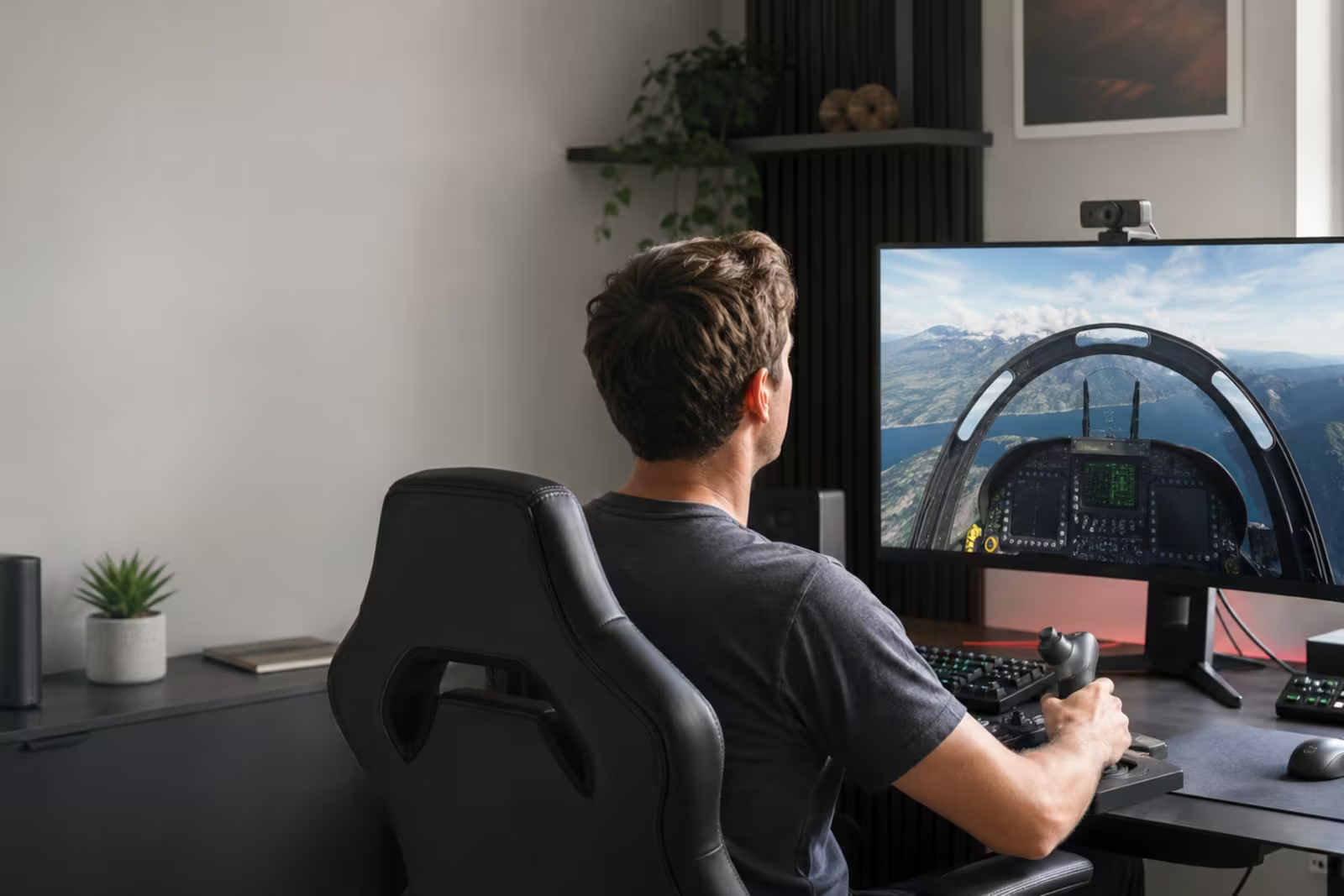
Synthetic marketing photograph of an adult at a flight-simulation desk with a monitor-mounted webcam
Generated marketing art · synthetic person · not an application screenshot

PlayerTempo Uses an ordinary compatible webcam as input. Estimates head pose; it is not eye tracking. Calibrates movement to the selected display and workflow. Produces mapped in-game camera pose output.

Coming to the Microsoft StoreCompare Free and Pro
  • Ordinary webcam
  • Head pose—not eye tracking
  • Calibrated response
  • Careful calibration pays off

Procedure · four checkpoints

A visible path from camera selection to game output

  1. 01

    Choose a webcam

    Confirm a stable face view and suitable camera placement.

  2. 02

    Calibrate head movement

    Follow the targets to fit response to the selected display and workflow.

  3. 03

    Tune and recenter

    Adjust motion response and set a comfortable neutral position.

  4. 04

    Send game-camera output

    Choose the output path that matches the title and local setup.

Output matrix

Two distinct local integration paths

DIRECT

FreeTrack shared memory and NPClient shim

Supports FreeTrack direct shared-memory output. A bundled TrackIR-compatible NPClient shim serves titles that poll the NPClient interface.

While active, this path temporarily changes the current user’s NPClient Location registry value so external game processes can find the shim. The app attempts to restore the prior value when Game Mode ends.

CONFIGURABLE

opentrack UDP

Supports opentrack UDP; the default endpoint is 127.0.0.1, while a configured non-loopback host receives mapped pose/output data.

Compatibility depends on the game, opentrack setup, axes, and local configuration.

Data-flow map

Frames in memory, derived pose, separate technical logs

Camera frameProcessed in memory on this PC
Landmarks + head poseDerived calibration input
Mapped outputShared memory or configured UDP
Technical JSONLSeparate local diagnostic branch

Read the complete technical privacy draft

Free vs Pro

Full head tracking is free. Pro adds fine control.

The core app is free and not time-limited. A Pro subscription adds advanced tuning and comfort tools on top of the same local tracking engine.

FREE

Free — core tracking

No charge · not time-limited

  • Camera selection and guided calibration
  • Calibration accuracy review
  • Game Mode with full head tracking
  • Every output path: TrackIR-compatible NPClient shim, FreeTrack shared memory, and opentrack UDP
  • Basic status HUD

Camera frames are processed on the local PC.

PRO · SUBSCRIPTION

Pro — advanced tuning

HUF 1,950 per month (about €4.99) · one-week free trial

  • Advanced response tuning: curves and filters
  • Natural Anchors
  • In-game overlay HUD
  • Global hotkeys

Billed as a monthly subscription through the Microsoft Store listing. The Store shows final local pricing and handles the trial.

Microsoft Store is the only planned distribution channel; publication is still in progress. Both tiers run the same local head-pose engine — head movement only, and it is not eye tracking.

Setup guidance

What makes a good result

Head tracking rewards a considered setup. Three habits make the biggest difference.

Lighting

Even, steady light on your face keeps landmark detection reliable. Avoid strong backlight.

Placement

Mount the webcam near the display at face height and keep your whole face in view.

Calibration

A careful calibration run and a comfortable neutral pose pay off in every session.

Distribution and community

Where to get it

Microsoft Store

PlayerTempo will be distributed exclusively through the Microsoft Store.

Coming to the Microsoft Store

Community and support

Questions about setup, calibration, or compatibility are welcome by email.

Email support: info@bugfactory.hu